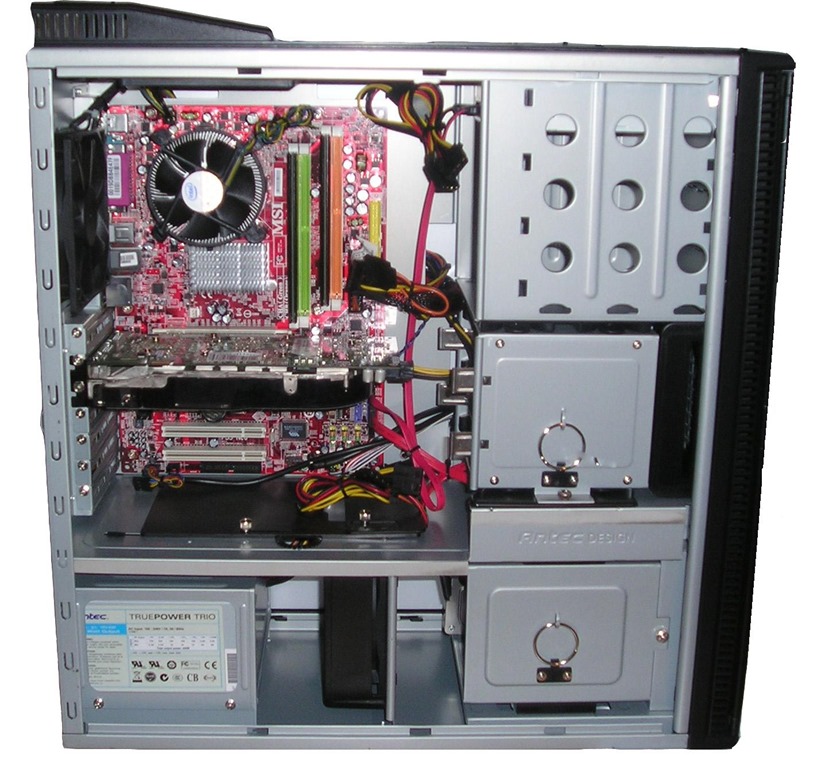
 The inside of your computer can be a vicious place. There are all kind of of components competing for power and resources and without proper cooling they can really heat up the inside of the computer. And, heat is a big enemy of a smooth running computer. Heat can actually cause a computer to become more sluggish and can cause long-term damage to a computer. This is another article in a series of articles about keeping a computer cool. In this article we will go over two important ideas to keep your computer cool and running as long as possible. We will talk about the importance of proper power and the concept of water cooling your computer. These are two ways you can keep your cool and may require a bit of upgrading to accomplish. But, if you are looking for some serious processing power then these two tips may be just what you need.
Look to Upgrade the Power Supply
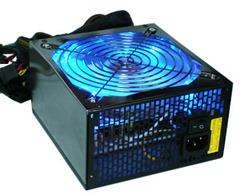
The power supply is the component that provides power to all the components in your system. This is where you plug the power cord in from the AC power source. Power supplies have a built in fan inside of it. It helps circulate air throughout the entire computer. And, it is most likely the air you feel flowing through the unit when you turn the computer on.
Some cases have a separate fan to help with air flow. However, if you do not have a case fan, then many times the fan on the power supply will be the only way to remove hot air from your computer. If your power supply fan is faulty, and you do not have a case fan, then your computer will have a hard time keeping cool. Also, if you have an inadequate power supply then the fan may not be big enough to remove the heat.
If you need to upgrade your power supply, you can find a wide selection here.
Install Water Cooling
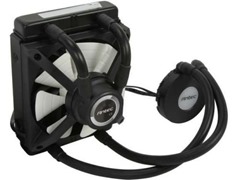 If you are looking to push the limits of PC processing power, then the case fans, power supply fans, heat sink and processor fans may not be enough to keep your computer cool. This is especially true in builds where the processor is overclocked. In this scenario, it may be helpful to install a water cooling kit to keep the computer cool.
For a computer that runs really hot, the fans cannot keep up with the heat that needs to be removed. However, water does a better job of transferring the heat outside of the computer and can reduce the temperature of the CPU.
It may sound strange to have water inside a computer since moisture can damage a PC. But, all the water is completely encased inside a transfer system. A pump will move the water down to the CPU, absorb the heat and then pushed out to remove the heat.
You can check out a wide range of water cooling kits here
These are two ways you can keep your computer running cool and in an optimal manner. The water cooling is for more extreme cases, but should really be considered if you are looking to overclock your processor.